> ## Documentation Index
> Fetch the complete documentation index at: https://auk.mamahuhu.dev/llms.txt
> Use this file to discover all available pages before exploring further.
# Auk Desktop App
> Cross-platform desktop application that runs on macOS, Windows, and Linux.
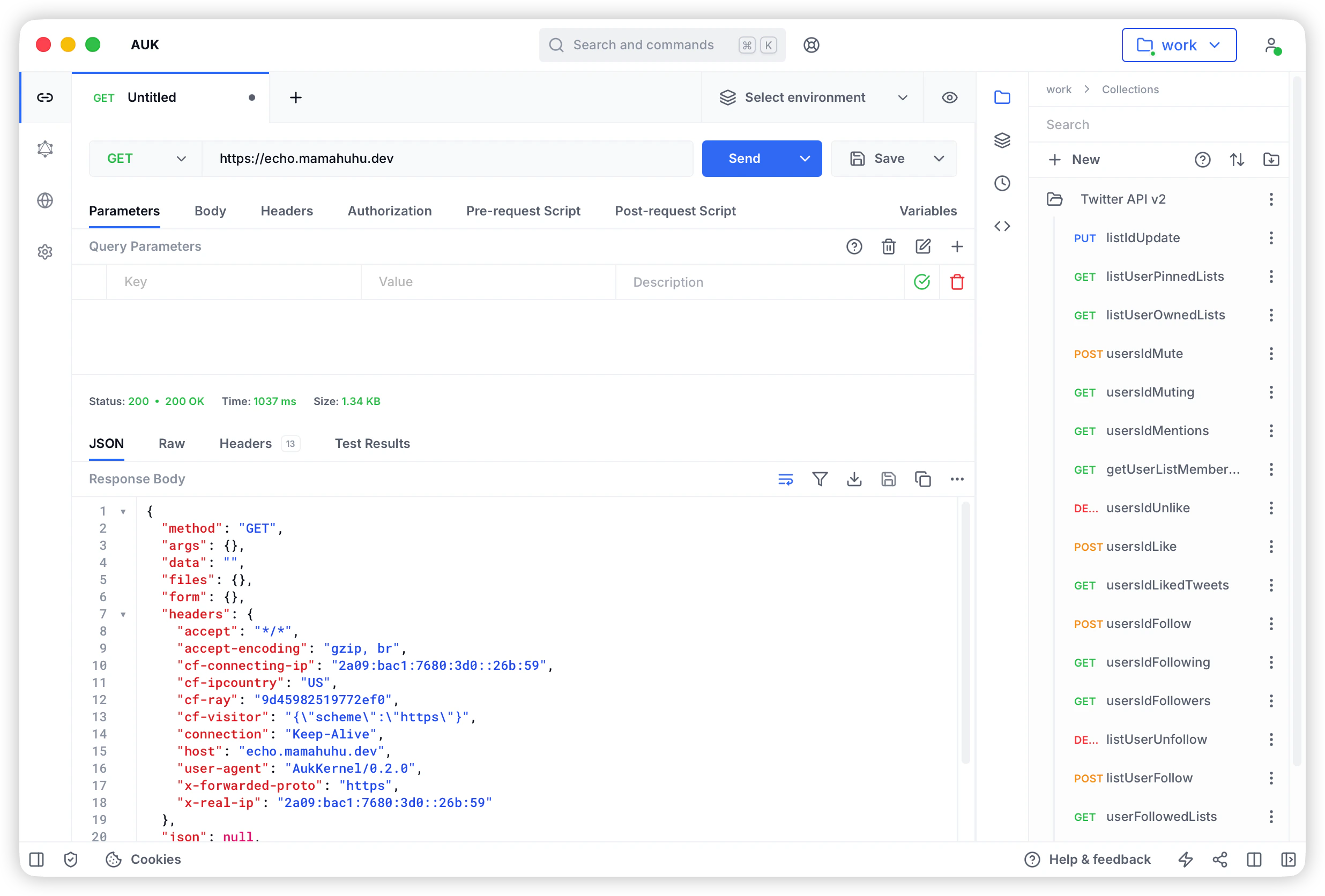
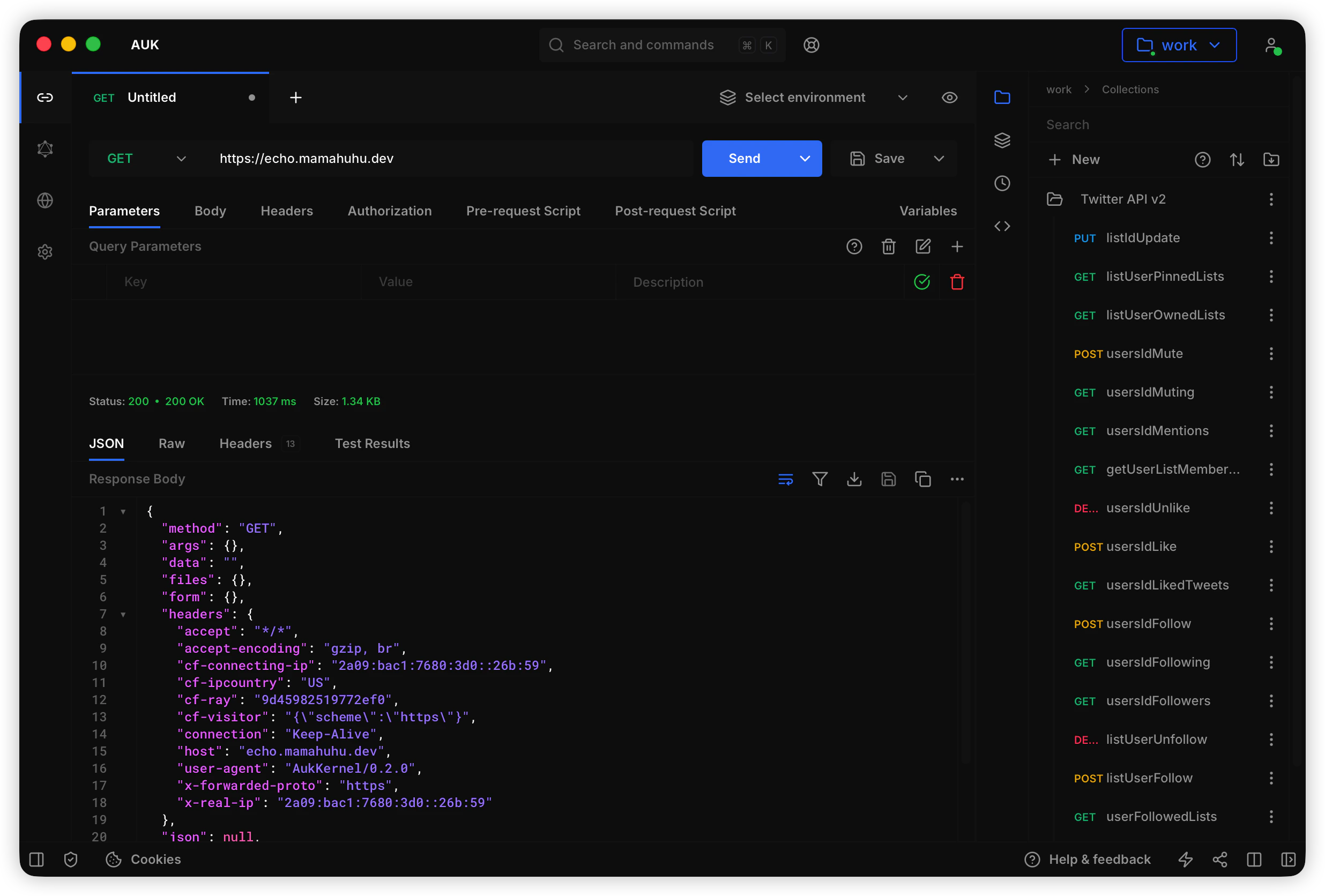
Auk Desktop App is a cross-platform desktop application that helps you create and manage API requests. It is powered by [Tauri](https://tauri.app) and provides a local-first approach to API development.
 ## Download Auk Desktop App
Download the latest version of Auk Desktop App for your operating system:
Download for Apple Silicon-based Mac.
Download for Intel-based Mac.
Download the installer for Windows (64-bit).
Download the portable version for Windows (64-bit).
Download the Debian package for Debian-based Linux distributions.
Download the AppImage for Linux.
## Install Auk Desktop App
1. Download the latest version of Auk Desktop App from the links above or from the [official website](https://auk.mamahuhu.io/download).
2. Open the downloaded file.
3. Follow the on-screen instructions to install Auk Desktop App.
4. Open Auk Desktop App.
5. If you see a warning message, click "**Open**".
## Using Auk Desktop App
Auk Desktop App provides a local-first approach to API development. All your data is stored locally on your machine, giving you full control and privacy.
1. Open Auk Desktop App.
2. Start creating and managing your API requests.
3. All collections and environments are stored locally on your device.
You can build Auk Desktop App from source. Follow the instructions in the [Auk GitHub repository](https://github.com/mamahuhu-io/auk/tree/main/packages/auk-desktop).
## Download Auk Desktop App
Download the latest version of Auk Desktop App for your operating system:
Download for Apple Silicon-based Mac.
Download for Intel-based Mac.
Download the installer for Windows (64-bit).
Download the portable version for Windows (64-bit).
Download the Debian package for Debian-based Linux distributions.
Download the AppImage for Linux.
## Install Auk Desktop App
1. Download the latest version of Auk Desktop App from the links above or from the [official website](https://auk.mamahuhu.io/download).
2. Open the downloaded file.
3. Follow the on-screen instructions to install Auk Desktop App.
4. Open Auk Desktop App.
5. If you see a warning message, click "**Open**".
## Using Auk Desktop App
Auk Desktop App provides a local-first approach to API development. All your data is stored locally on your machine, giving you full control and privacy.
1. Open Auk Desktop App.
2. Start creating and managing your API requests.
3. All collections and environments are stored locally on your device.
You can build Auk Desktop App from source. Follow the instructions in the [Auk GitHub repository](https://github.com/mamahuhu-io/auk/tree/main/packages/auk-desktop).