

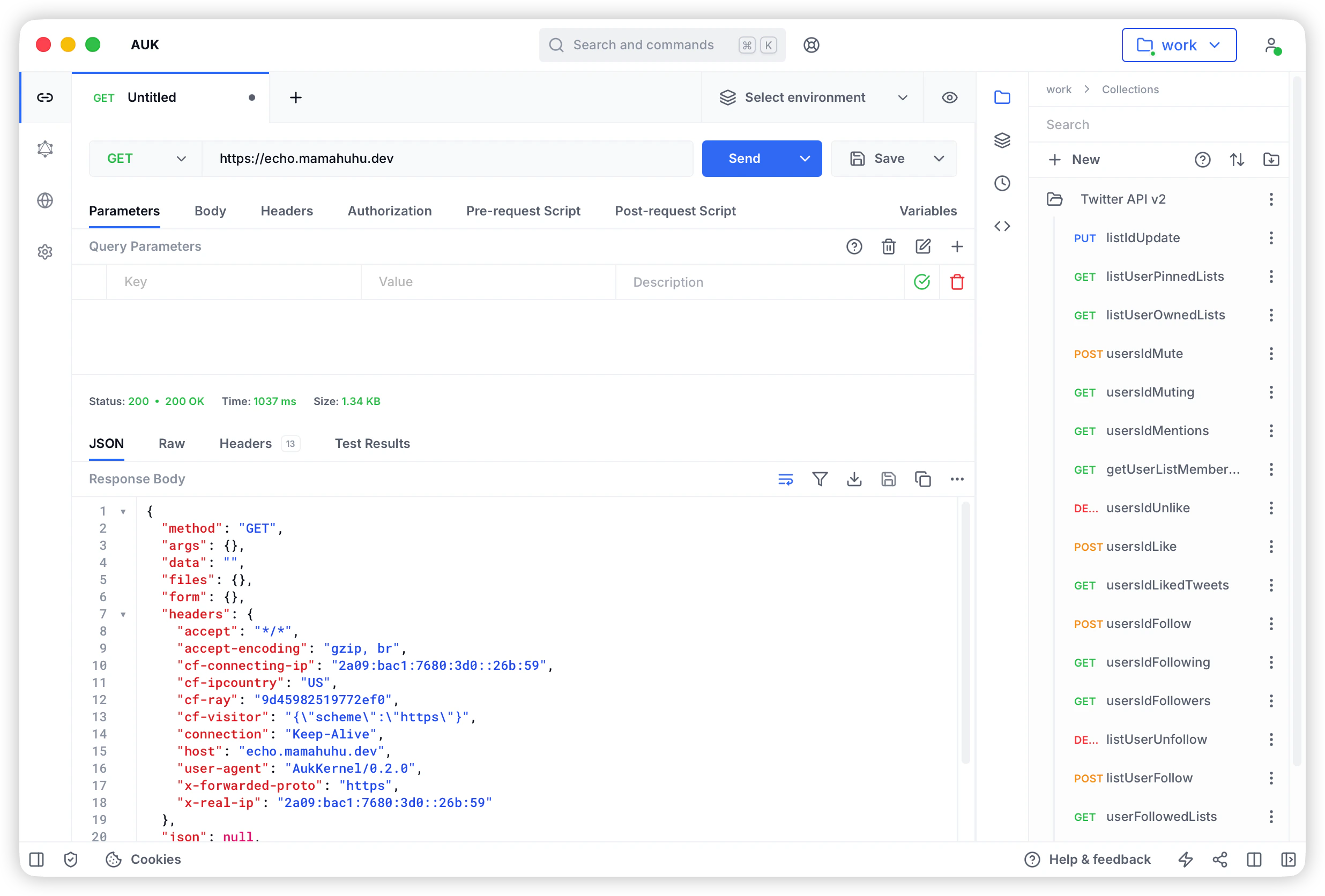
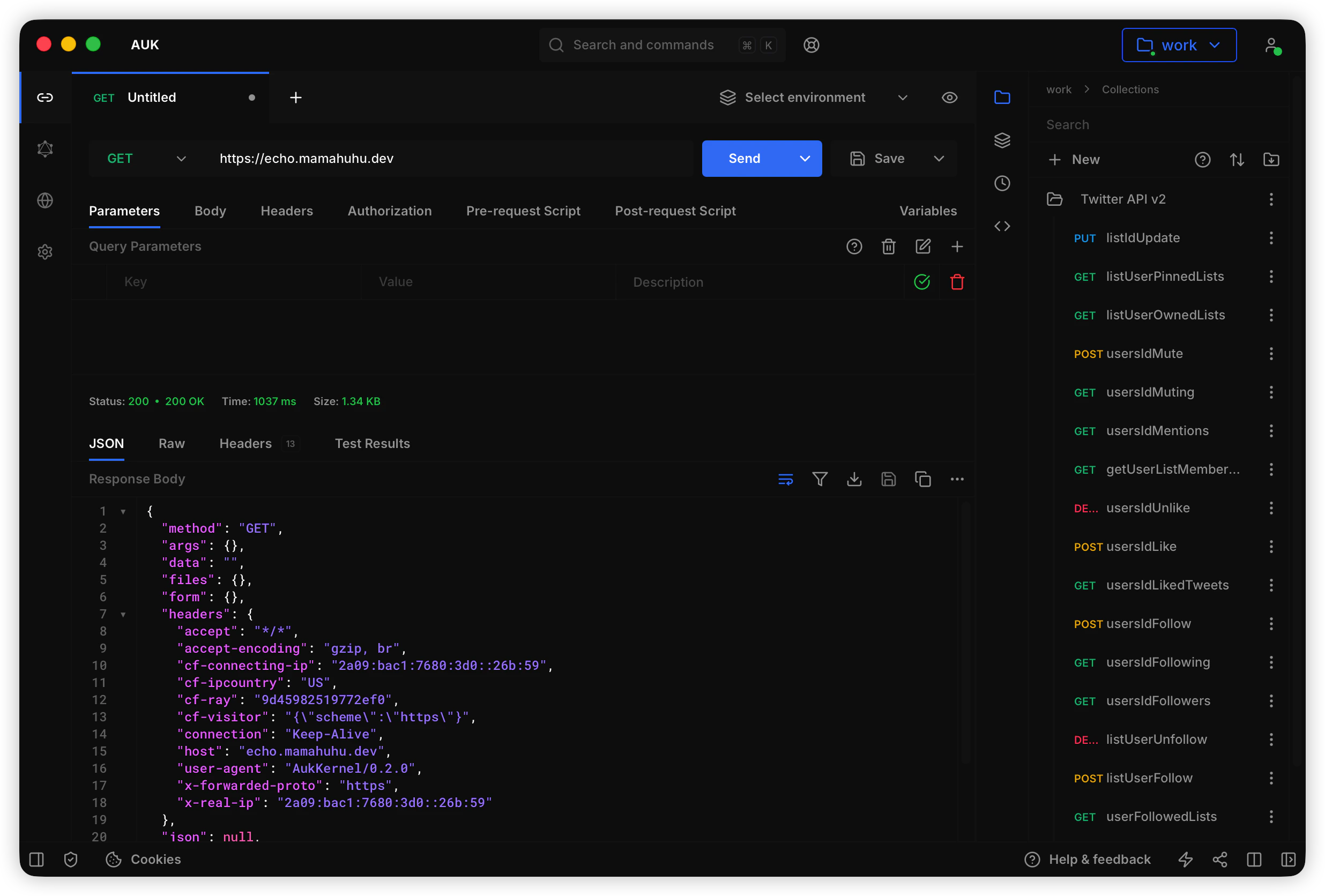
Download Auk Desktop App
Download the latest version of Auk Desktop App for your operating system:Mac
Mac
Apple Silicon (.dmg)
Download for Apple Silicon-based Mac.
Intel (.dmg)
Download for Intel-based Mac.
Windows
Windows
Windows Installer (.msi)
Download the installer for Windows (64-bit).
Windows Portable (.exe)
Download the portable version for Windows (64-bit).
Linux
Linux
Debian (.deb)
Download the Debian package for Debian-based Linux distributions.
App Image (.AppImage)
Download the AppImage for Linux.
Install Auk Desktop App
- Download the latest version of Auk Desktop App from the links above or from the official website.
- Open the downloaded file.
- Follow the on-screen instructions to install Auk Desktop App.
- Open Auk Desktop App.
- If you see a warning message, click “Open”.
Using Auk Desktop App
Auk Desktop App provides a local-first approach to API development. All your data is stored locally on your machine, giving you full control and privacy.- Open Auk Desktop App.
- Start creating and managing your API requests.
- All collections and environments are stored locally on your device.