

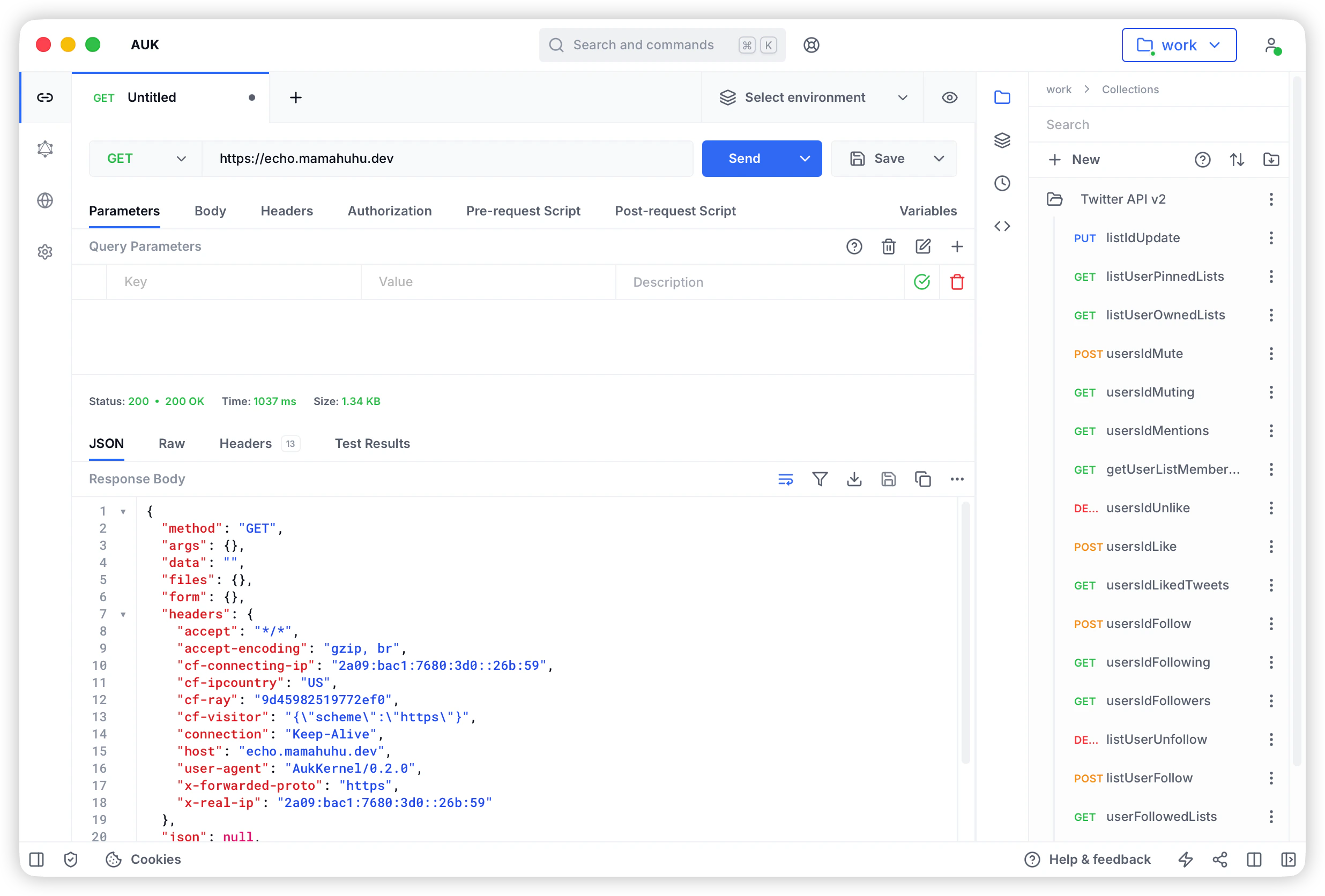
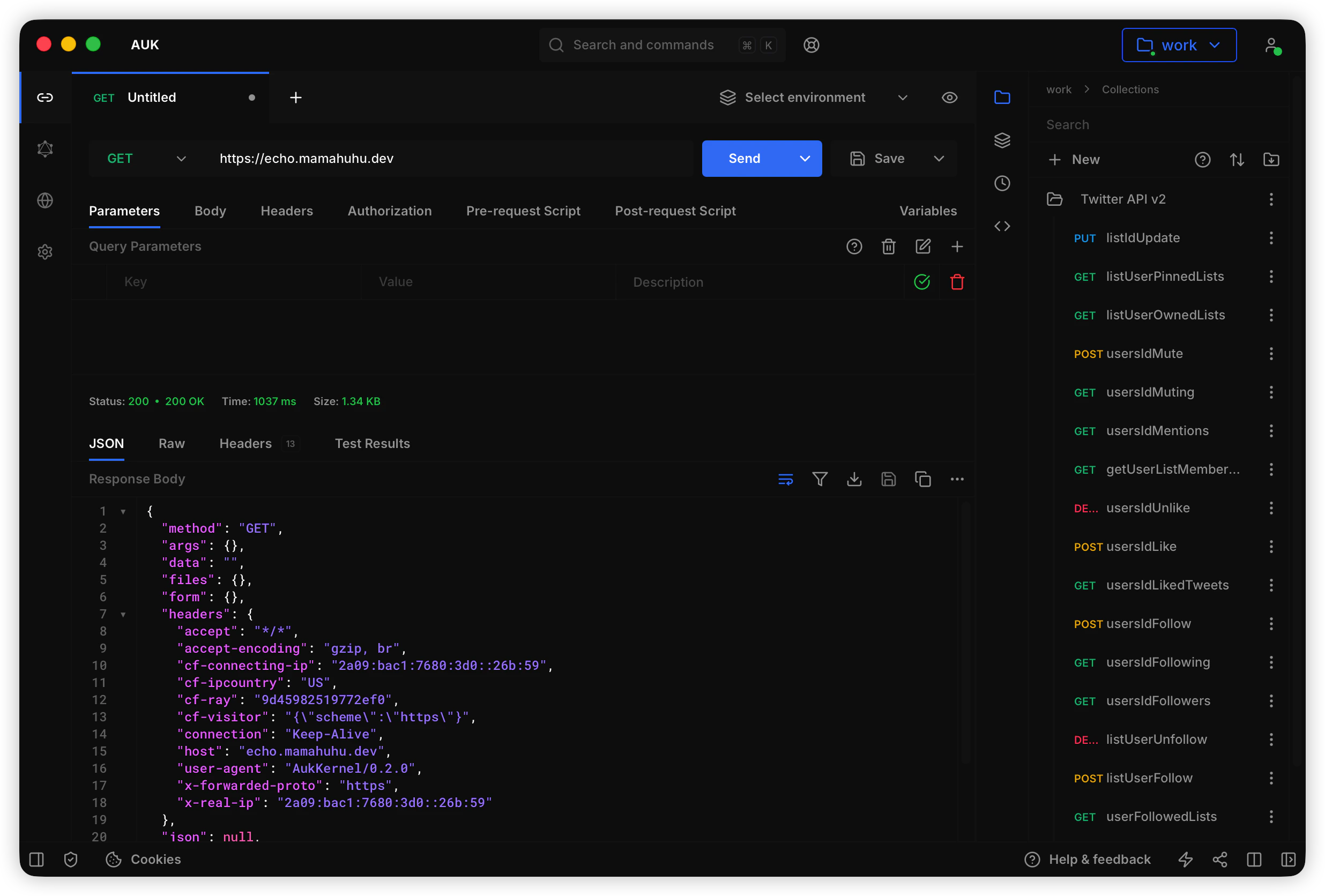
Core Features
Local First
All data stored in local file system, no cloud account required, full control over your data.
Git Sync
Team collaboration and version control via Git, supports GitHub, GitLab, Gitee, and any Git service.
Multi-Workspace
Create multiple independent workspaces, flexibly manage work and personal projects, each with its own Git repository.
High Performance
Desktop app built with Tauri, native performance, no network latency, fast response.
Offline Ready
Work completely offline, all features available without network, sync to Git when needed.
Data Security
Data stored in your controlled location, supports custom Git services, optional encryption.
Team Collaboration
Share API collections and environments via Git repositories, collaborate using standard Git workflows.
Cross-Platform
Supports macOS, Windows, and Linux with consistent user experience.
Supported Protocols
Auk supports multiple API protocols to meet different development needs:- REST API - Full HTTP method support (GET, POST, PUT, DELETE, etc.)
- GraphQL - Query, Mutation, Subscription support
- WebSocket - Full-duplex real-time communication
- Server-Sent Events (SSE) - Server push events
- Socket.IO - Real-time bidirectional communication
- MQTT - IoT messaging protocol
Core Capabilities
API Testing
- Send HTTP requests and view responses
- Support various authentication methods (Basic, Bearer, OAuth 2.0, etc.)
- Configure request parameters, headers, and body
- Response preview (JSON, XML, HTML, images, etc.)
- Request history
Collection Management
- Create and organize API collections
- Unlimited nested folder structure
- Collection-level authentication and headers
- Import/Export (Postman, Insomnia, OpenAPI)
- Sync and version control via Git
Environment Variables
- Create multiple environments (dev, staging, production, etc.)
- Variable substitution
<<variable>> - Global and workspace variables
- Secret variables (not synced to Git)
- Dynamic variable setting via scripts
Script Support
- Pre-request scripts (execute before request)
- Test scripts (execute after request)
- Full JavaScript support
- Built-in test assertion library
- Environment variable operations
Workspace Management
- Create multiple independent workspaces
- Independent data storage per workspace
- Quick workspace switching
- Workspace-level configuration
Git Sync
- Auto sync to Git repository
- Conflict detection and resolution
- Branch management
- Sync history
- SSH, HTTPS, OAuth authentication support
Differences from Auk
Auk is based on Auk with the following key differences:Use Cases
Individual Developers
- Manage API collections locally without registration
- Full data control and privacy protection
- Work offline without network dependency
Team Collaboration
- Share API collections via Git repositories
- Use familiar Git workflows
- Code review and version control
Enterprise Intranet
- Deploy in intranet environment without external access
- Use internal Git services (GitLab, Gitea, etc.)
- Data stays within intranet, secure and controlled
Sensitive Projects
- Data stored locally or on private servers
- Full control over data access permissions
- Compliance with data regulations
Technical Architecture
Auk uses the following technology stack:- Frontend: Vue 3 + TypeScript
- Desktop: Tauri 2.x (Rust)
- Package Manager: pnpm monorepo
- Storage: Local File System
- Version Control: Git
- Build Tool: Vite
Next Steps
Install Auk
Download and install Auk desktop app
Create Workspace
Create your first workspace
Setup Git
Setup Git sync (optional)
Quick Start
Quick start guide